Chat
My brake is rubbing.
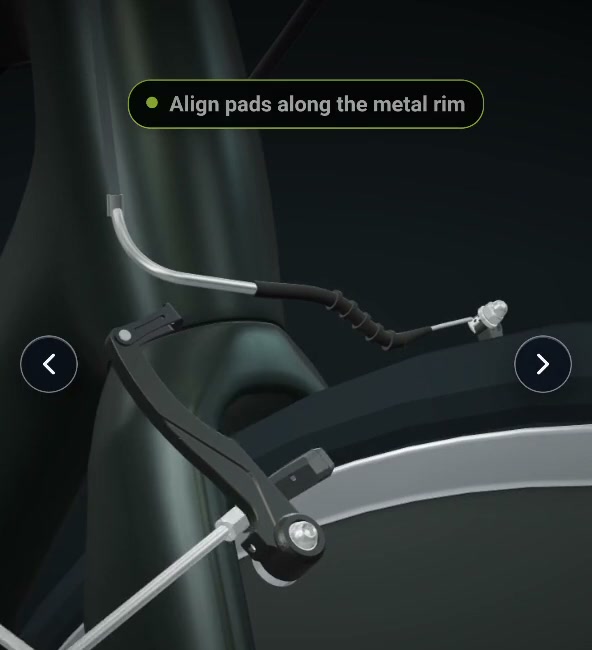
It could be the pad alignment. Open this link for a quick walkthrough.
Jiminy can see the product, spot issues, and guide them through next steps.
Hi Dana, here’s a quick walkthrough to check the pad alignment.
Customers open it on any phone, in any browser. No app download needed.
3D animations guide each step. Customers can turn on their camera so Jiminy can spot issues and show what to do next.
Built from your existing manuals, videos, and CAD.
Left pad still touches the rim after both pads were replaced.
The brake is off-center. Dana needs help aligning it.
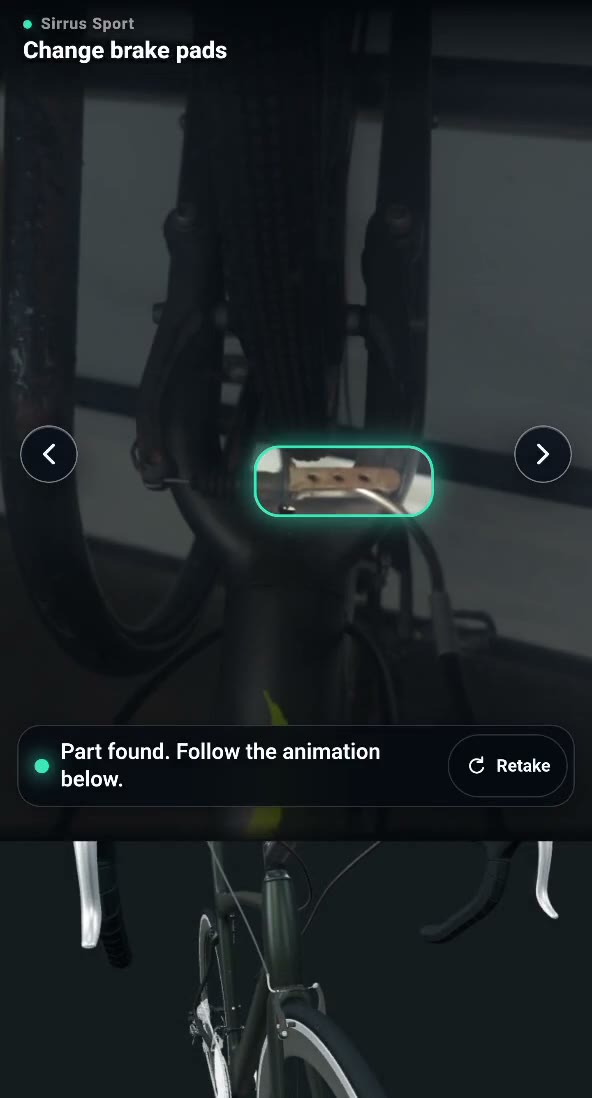
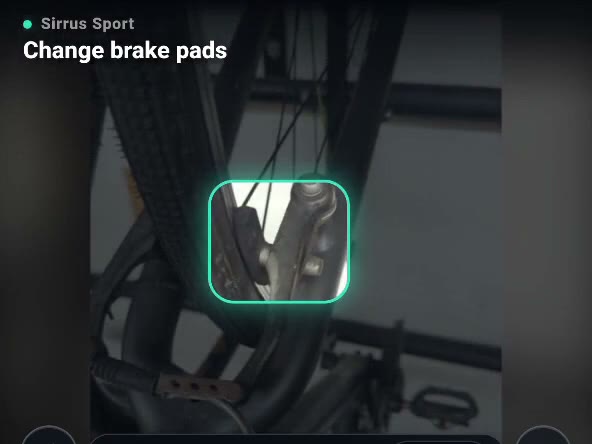
To Dana Whitfield
Hi Dana, both new pads are seated correctly. At step 7 the left arm sits closer to the rim than the right, which is why it still rubs. Turn the small centering screw on the left arm a quarter turn clockwise and spin the wheel.
Here is that step again: Align and test the front brake. The camera checks that the rub is gone.
Marta, Fernwood Cycles
Ask Jiminy out loud. It talks you through what to do, with your camera there when words aren’t enough.
Create, edit, and publish your own product animations.